
Rabbitholes AI
Rabbitholes AI lifetime deal review: Analytical assessment of node-based AI chat with infinite canvas, multi-model support, and BYOK. Compare pricing, features, and ROI vs. subscription platforms for researchers and power users.
$79
RabbitHoles AI Review: The “Infinite Canvas” That Solves Context Pollution for Power Users
The Fracture in Linear AI Interaction If you are a heavy user of LLMs (Large Language Models) like ChatGPT or Claude, you are likely familiar with the “linear fatigue” pathology. As a conversation progresses, the context window fills up, and the model begins to hallucinate or lose track of earlier instructions. To explore a tangent, you are forced into a binary choice: pollute your current thread with irrelevant data or start a fresh chat and lose all established context.
RabbitHoles AI is not merely a UI “skin”; it is a fundamental reimagining of Human-Computer Interaction (HCI). It replaces the vertical chat timeline with a topological, node-based “infinite canvas,” allowing for recursive, branching exploration. For the analytical SaaS buyer, this tool offers a structural solution to context management and a compelling economic alternative to monthly subscriptions through its BYOK (Bring Your Own Key) model.
What Is RabbitHoles AI?
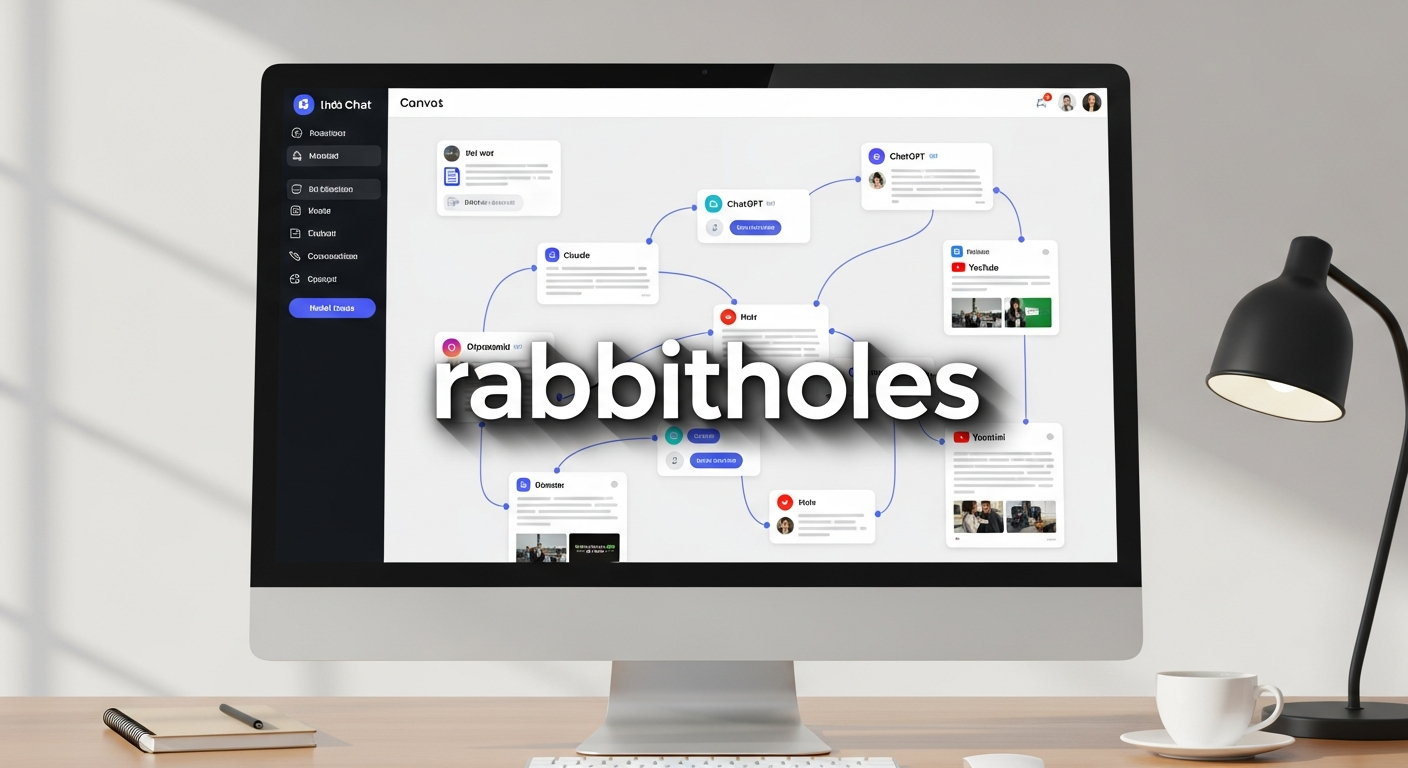
RabbitHoles AI is a desktop-native application (Windows, macOS, Linux) that functions as a spatial workspace for AI interaction. Unlike standard chatbots that force you into single-thread discussions, RabbitHoles enables you to create branching conversations where every interaction is a connectable node.
It acts as an orchestration layer, allowing you to run multiple AI models—including GPT-4, Claude 3.5, Gemini, Perplexity, and Grok—simultaneously on the same canvas. Crucially, it is a “Local-First” tool; all data, conversations, and vectors are stored locally on your device, ensuring zero data leakage to third-party servers.
Highlights: Why Move to a Spatial Interface?
The platform’s architecture is designed for “Deep Research”—a term it reclaims from automated agents to describe human-in-the-loop structural workflows.
- Infinite Canvas Architecture: A limitless spatial workspace where you can pan, zoom, and organize conversation nodes like a professional whiteboard. This matches natural cognitive patterns, allowing you to visualize connections between disparate ideas that remain hidden in linear chats.
- Advanced Branching: You can create conversation branches from any point. This preserves the “root” context while allowing you to explore “what-if” scenarios without polluting the main thread.
- Multi-Model Orchestration: The platform is model-agnostic. You can prompt GPT-4 for a creative outline in one node and simultaneously prompt Claude 3.5 for a code review in a branching node, comparing outputs side-by-side.
- Rich File Integration: It supports the direct ingestion of PDFs, Word docs, Excel files, and YouTube links. These assets become nodes in the graph, allowing for targeted RAG (Retrieval-Augmented Generation) on specific branches.
- Ollama Support: For total privacy and zero cost, you can integrate local LLMs via Ollama, creating an air-gapped environment for sensitive work.
Use Cases: Who Actually Needs This?
RabbitHoles AI is not for casual users seeking quick answers. It is built for “Power AI Users” who demand granular control.
1. Academic Researchers & PhD Candidates
Linear chats fail to capture the complexity of a dissertation. RabbitHoles allows you to treat the canvas as a thesis outline. You can attach specific PDFs to specific nodes, ensuring the AI references the correct methodology for Chapter 1 without being confused by the data in Chapter 4.
2. Software Developers
Debugging is rarely linear. With RabbitHoles, you can fork a conversation: “In Branch A, let’s refactor using Python. In Branch B, let’s try Rust.” You can compare solutions side-by-side without opening multiple tabs or confusing the chatbot’s context window.
3. Strategic Planners & Knowledge Workers
For those handling complex information flows, the spatial organization reduces cognitive load. You can build “knowledge maps” that grow organically, connecting related concepts across different projects without losing your train of thought.
4. The “Visual Thinker” (and ADHD Workflows)
The tool rebrands the distraction of “going down a rabbit hole” into a structured workflow. It allows users to visualize tangents as productive branches rather than lost focus, effectively externalizing working memory onto the 2D plane.
Core Differentiation: Why Invest in RabbitHoles AI?
The market is saturating with “AI Canvases,” but RabbitHoles holds a distinct position.
Vs. OpenAI Canvas
OpenAI’s Canvas is primarily a document editor designed for convergent thinking—refining a specific artifact like a blog post. RabbitHoles is designed for divergent thinking—exploring multiple possibilities simultaneously. Furthermore, OpenAI locks you into their ecosystem; RabbitHoles is model-agnostic.
Vs. Hatch and Collaboration Boards
Competitors like Hatch focus on real-time team collaboration. RabbitHoles is a “Deep Work” tool for the individual. Its local-first architecture makes it less suitable for multiplayer brainstorming but superior for privacy and focused, solitary research.
The Economic “Moat”: True BYOK
Most AI wrappers charge a monthly subscription (e.g., $20–$30/month), acting as a middleman between you and the model. RabbitHoles uses a “Bring Your Own Key” (BYOK) model. You pay for the software interface once, and pay the providers (OpenAI, Anthropic) directly for tokens.
- Analysis: For heavy users, this eliminates the “middleman tax.” For moderate users, API usage is often significantly cheaper than a flat monthly fee.
How Does It Work? Usability Analysis
- Setup: The initial setup requires generating API keys from providers like OpenAI or Anthropic. While this introduces slight friction for non-technical users, it is a one-time configuration.
- Interface: The UI is clean and functional, utilizing drag-and-drop mechanics for files and simple keyboard shortcuts (e.g.,
Cmd + Right Arrow) for branching. - Learning Curve: There is a moderate learning curve. Users accustomed to linear chats need time to adapt their thinking to the spatial paradigm, but early reviews suggest the “Aha!” moment occurs quickly once the context benefits are realized.
Spatial Context Control: The ability to “cherry-pick” context. Unlike linear chats where context is cumulative, RabbitHoles allows context to be selective. You can inherit the context of Node A for Node B, but discard it for Node C, effectively solving “context pollution”.
The Logic Behind the Deal
For the analytical buyer, the math is straightforward.
- Cost of Ownership: Instead of paying $240/year for a standard AI subscription, you pay a one-time fee for the RabbitHoles interface.
- Data Sovereignty: You own your data. It lives on your hard drive, not in a cloud that trains on your work.
- Workflow Efficiency: If you save even one hour per week by not having to re-explain context to an AI, the ROI is immediate.
The Deal: RabbitHoles AI is currently available as a Lifetime Deal (LTD) via Product Canyon. This offer grants lifetime access and updates for a single price, bypassing the recurring subscription fatigue common in the SaaS world.
👉 Get the RabbitHoles AI Lifetime Deal for $79
FAQ: Critical Data Points
Q: Is this a subscription? A: No. The deal via Product Canyon is a one-time purchase for lifetime access. You only pay AI providers (like OpenAI) directly for the tokens you consume.
Q: Is my data private? A: Yes. RabbitHoles employs a Local-First architecture. All conversations and files are stored locally on your machine in JSON format. Your API keys connect directly to the provider; RabbitHoles does not intermediate or store your data.
Q: Can I use it offline? A: Yes, but only if you are using local models via the Ollama integration. Cloud-based models (GPT-4, Claude) naturally require an internet connection.
Q: Does it support mobile? A: Currently, no. The architecture is desktop-native (Windows, macOS, Linux) to support local storage and the heavy visual requirements of the infinite canvas.
Q: What if I don’t like the spatial interface? A: The official site offers a 7-day refund policy, and Product Canyon typically provides a risk-free period for their deals, allowing you to test if the workflow suits your cognitive style.
Rabbitholes AI
Rabbitholes AI review: Infinite canvas AI chat with node-based architecture, multi-model integration, and lifetime pricing. Detailed ROI analysis.
$79
Money-back guarantee. Try it out to make sure it’s right for you!
Single
$79
One time payment
Money-back guarantee. Try it out to be sure it’s the right fit for you! Or browse all available Lifetime deals.